Astute Beta Server Performance: Getting Smooth Play on Your Phone

Rated 4.6/5 · 284.7k

Beta builds run heavier than release builds. How to get the smoothest possible performance: graphics choices, device settings, heat, and honest expectations by tier.

Cue 1

Why the Beta Feels Heavier

Testers regularly report that the beta build runs warmer and hungrier than the release game on the same phone, and for once the common complaint is simply accurate. Beta builds carry logging, diagnostics and unoptimised content, because optimisation is the last stage of development and the beta exists to feed it.

Performance testing therefore has two halves: squeezing your device honestly, and reporting what the build does with it. This guide handles the first half completely and points at the second throughout. The Astute Beta Server build will never run as lightly as release on your phone; it can run far better than its default state on most devices.

More information is available in:
Cue 2

Graphics Settings: The Honest Dials

The graphics menu is where performance is actually negotiated. Resolution and frame rate cost the most and show the least on a phone screen; shadows and effects cost steadily and show in specific scenes. Lower in the order of expense, not in the order the menu presents, and test each change in a real match rather than the menu's preview.

Our compatibility guide covers which devices carry this build comfortably; whatever your tier, the right target is a stable frame rate rather than a high one. A locked thirty beats a wandering sixty in every fight, because your hands learn consistency and are betrayed by variance.

Cue 3

Device Settings Around the Game

The phone around the game matters as much as the settings inside it. A game mode or performance mode, where your device offers one, keeps clocks honest and notifications out. Background apps closed, auto updates paused, cloud backups deferred: each is one less interruption competing with your match for the same silicon.

Battery savers are the enemy of smooth play, throttling exactly the resources the build needs. Play charged or in normal power mode, and treat any setting with the word saver in it as a performance setting in disguise, because to the processor that is precisely what it is.

Cue 4

Heat: The Ceiling Nobody Sees

Every phone performance story ends at temperature. Sustained play warms the device until it throttles itself to survive, and frame rates step down in a way menus cannot explain. Beta logging shortens the runway, so heat management is performance management for testers in a literal sense.

Case off for long sessions, no charging while playing if the phone already runs warm, a cooler room than you would choose for yourself, and pauses that let the device breathe. Note the minute your frames step down in long sessions; that number, reported with your device model, is genuinely useful optimisation data.

Cue 5

Reading Performance Like a Tester

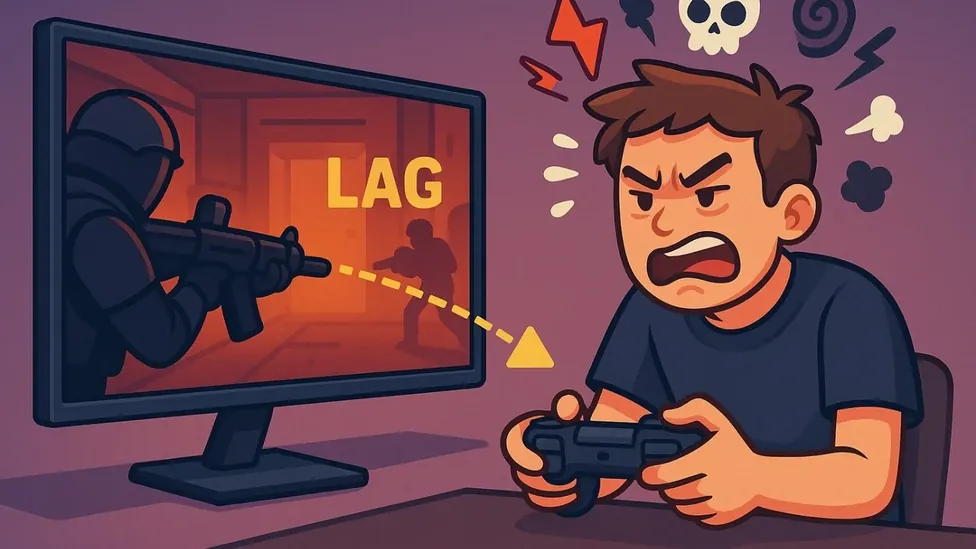
Learn to separate the three complaints players merge into the word lag: frame drops are the device, ping spikes are the network, and input delay can be either. Each has different fixes and different report destinations, and the tester who names them correctly gets listened to in all three conversations.

The guides below connect performance to the machine's other half, storage, because a full phone throttles and stutters in ways players consistently misread as graphics problems. Check both before concluding your device has met its match.

Performance and storage are two halves of one machine:

Cue 6

Honest Expectations by Tier

Flagships will run the beta near release smoothness with sensible settings. Mid range phones, the majority of the testing base, reach genuinely good play with the dials set honestly. Older and budget devices trade more: lower resolution, locked modest frame rates, and graphics that serve the match rather than the screenshot.

None of those is a failed experience, and reporting from every tier is equally valuable, because the release must run on all of them. Set your phone up with this guide, report what it honestly does, and you have done performance testing exactly right.

Frequently Asked Questions

Common questions

Why does the beta run worse than the normal game?

Beta builds include logging, diagnostics and content that has not been optimised yet. Optimisation is the final development stage, so heavier performance on the same phone is expected.

What graphics changes help most?

Lower resolution and frame rate first, they cost the most, then shadows and effects. Aim for a stable frame rate over a high one, and test changes in real matches.

How does heat affect performance?

Phones throttle themselves as they warm, stepping frame rates down. Long beta sessions heat faster due to logging, so manage temperature: case off, avoid charging while playing, take pauses.

Closing Curtain

Smooth beta performance is a stack: honest graphics settings, a tidy device around the game, heat kept at bay, and expectations matched to your tier. Build the stack once and the build shows you its true current state, which is the thing you are actually here to evaluate.

Report that state precisely, tier, settings, temperatures and all. The optimised release your reports help shape will run on your phone too.

Niklas Hoffmann

Reviewed by

Niklas Hoffmann

Beta Software Reviewer

Niklas tests beta builds on real Android devices, checking stability, performance and compatibility before any build is listed here.

More about Niklas Hoffmann